What's in the template?
The template is a single A4 page with one line per session and a review box for the week:
| Column | What to write |
|---|---|
| Date | The day you practiced |
| Piece / exercise | What you worked on, and the kind of practice (scales, section work, run-through…) |
| Minutes played | Time you were actually playing, not time at the instrument |
| What worked | One thing that went better today |
| What to fix | One thing to work on next time |
| Weekly review | At the end of the week: what changed, and one thing to try next week |
Download it as a printable page or a PDF.
How do you fill it in?
Right after practice, take one minute and fill in one line. Keep it short: a piece name, a number of minutes, and a few words in each of the last two columns. At the end of the week, read the lines and write one sentence in the review box.
Write the minutes soon after the session. Memory of practice time drifts: in a 30-year follow-up study, students' later estimates of their practice did not match the daily records they had kept.
Why do people stop keeping a practice log?
Two reasons come up most. The first is that it is tedious: one more thing to do when practice is over. The second is that nothing big seems to change from day to day, so the lines start to feel pointless.
What is a practice log actually for?
A practice log is not a place to record big changes. It is a steady record of how consistently you practiced, so that you learn, for yourself, how much practice it takes before things change. Small, similar lines are exactly what it is supposed to look like. Read four weeks of them together and the change becomes visible.
For a fuller version with practice types, to-do lists and methods, see how to keep a music practice journal.
Don't want to fill in the minutes by hand?
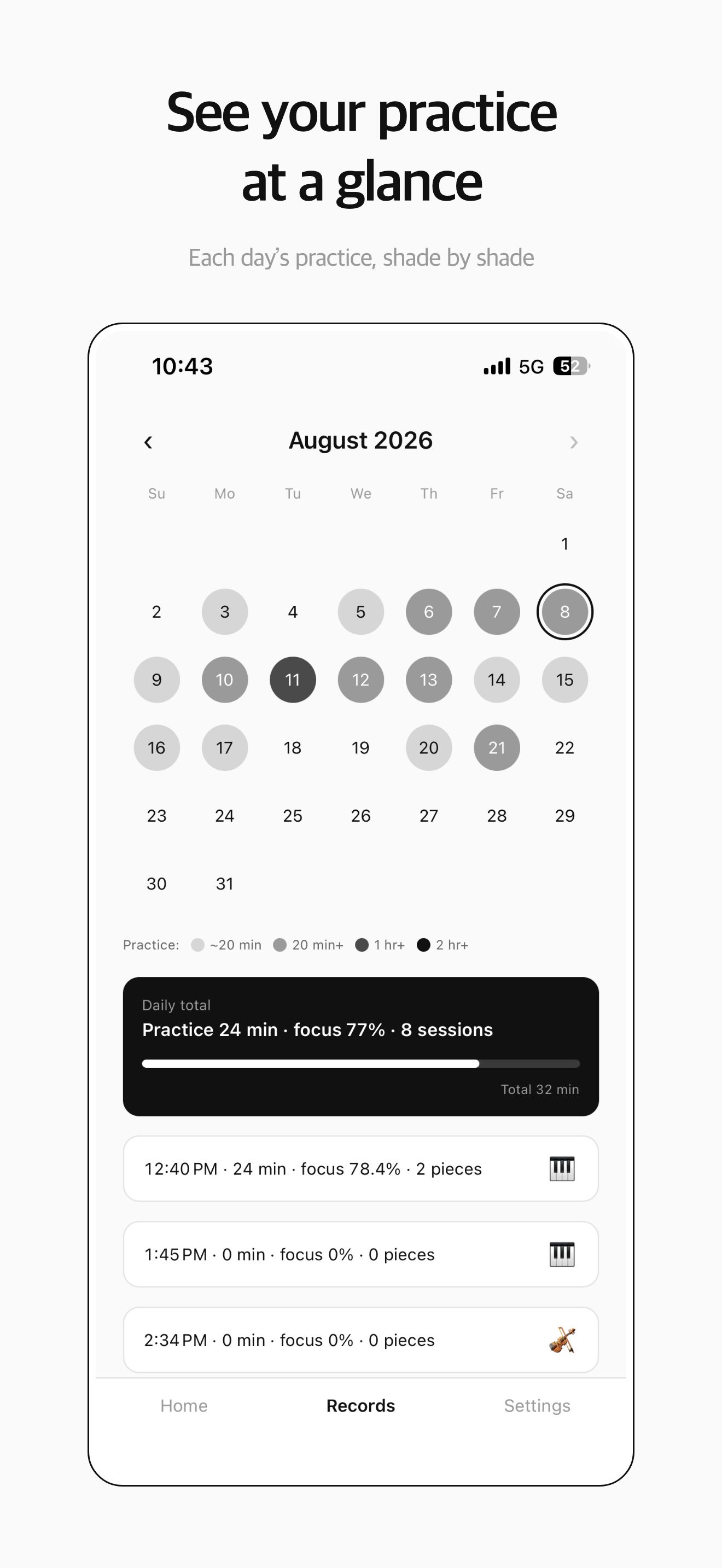
The minutes column is the one people skip most. MU:note fills it in for you: it hears the instrument you set and counts only the time you actually play, leaving out silences longer than 15 seconds. You can keep the paper log for notes, or keep everything in the app.